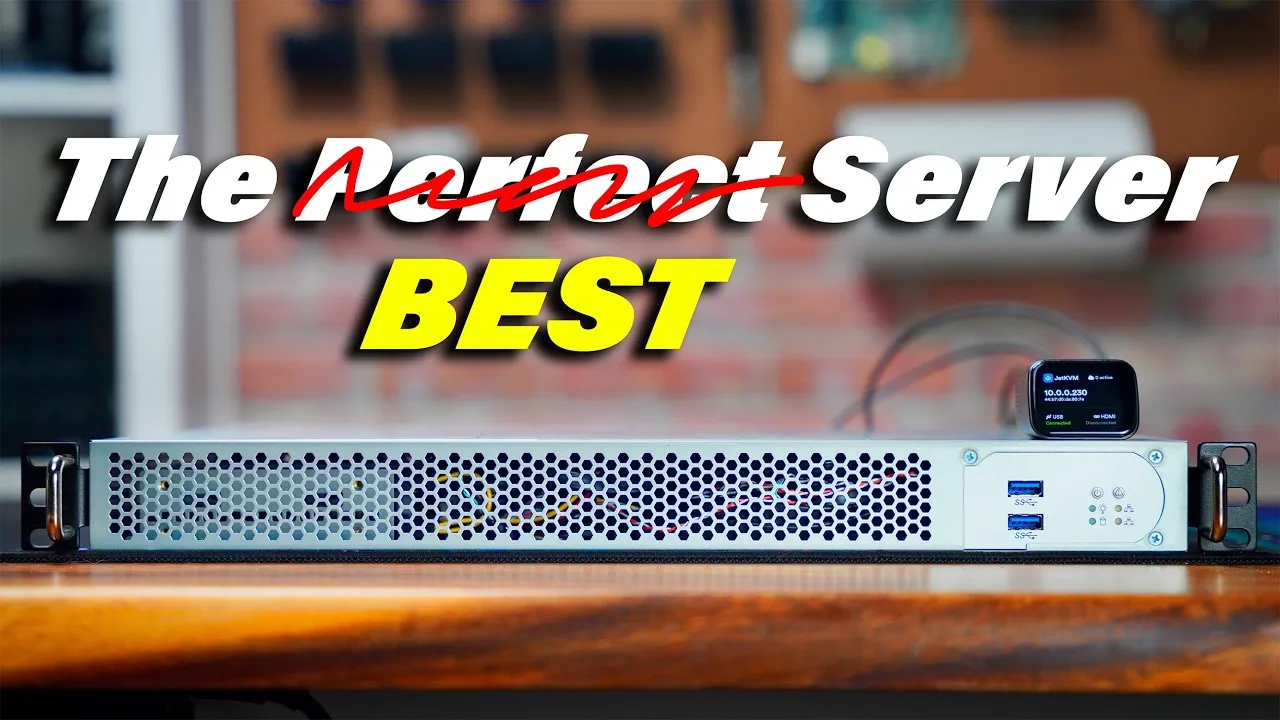
JetKVM
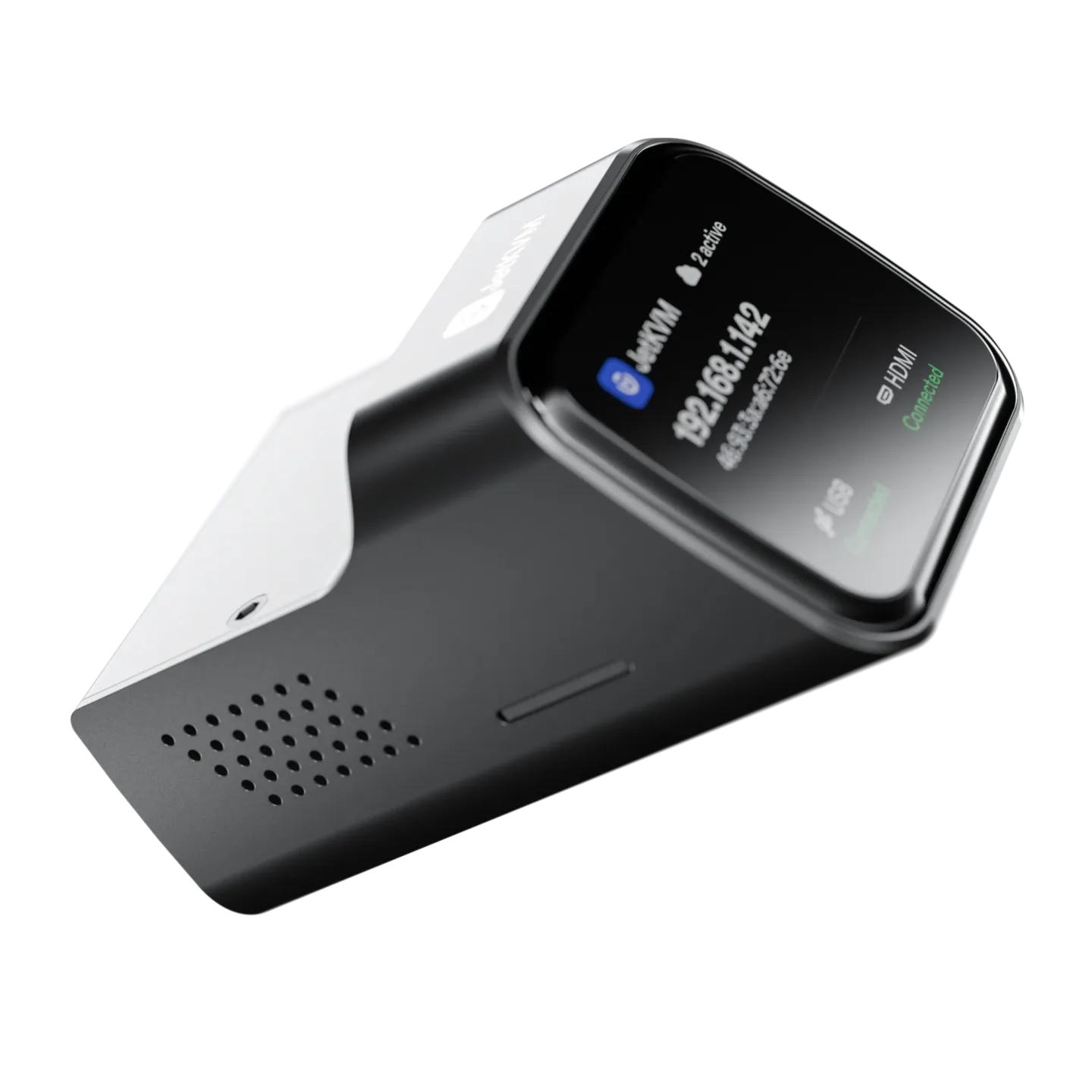
Full control, down to the power button
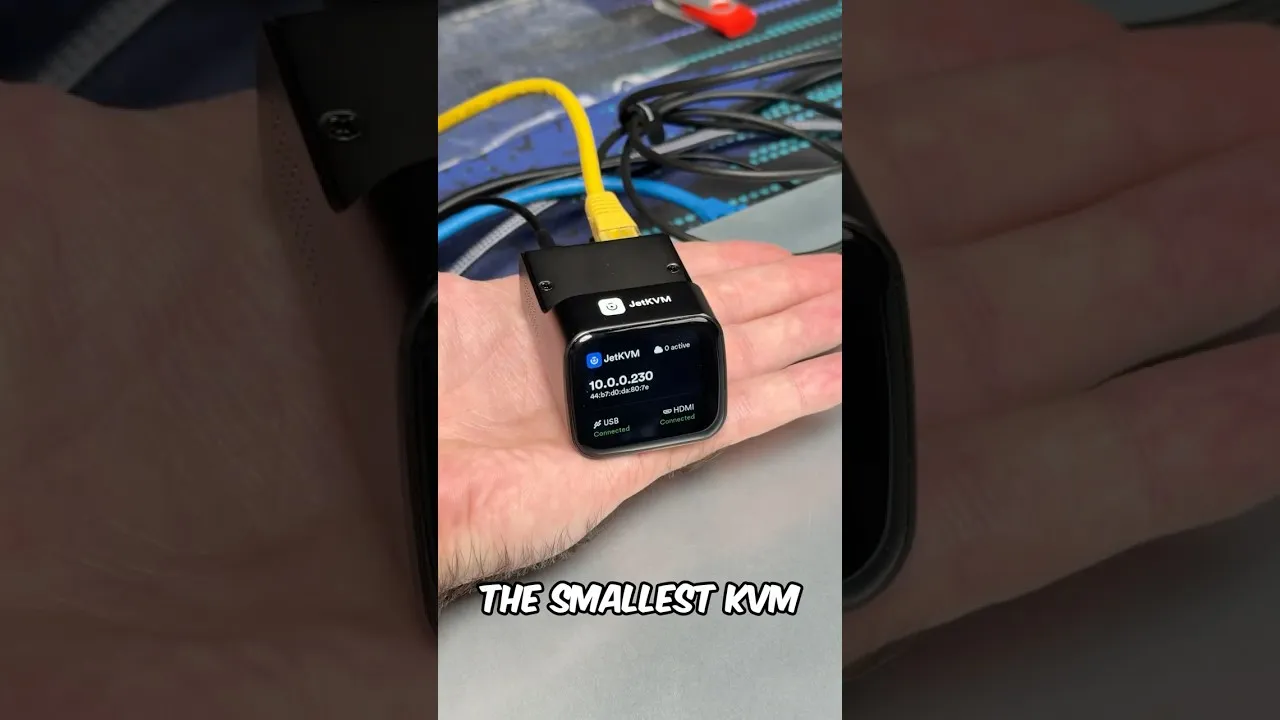
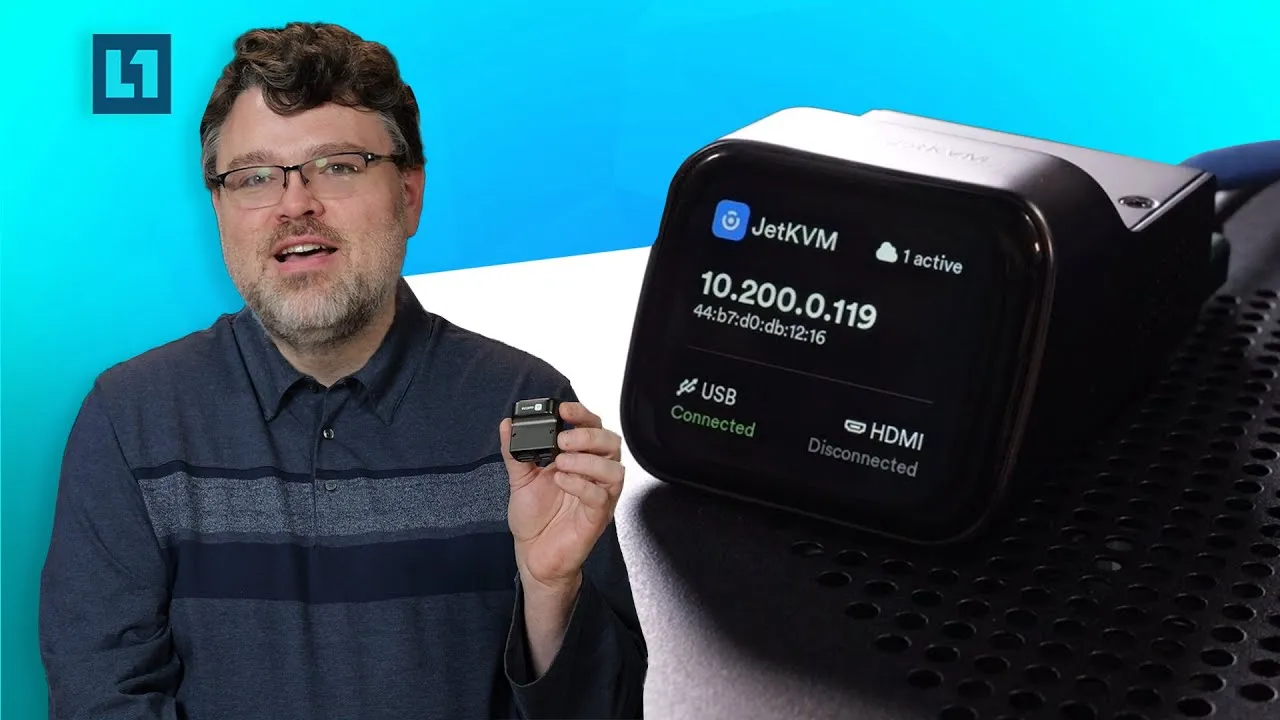
JetKVM is a KVM over IP from $103. Connect it to the video output and a USB port, and the computer is in your browser, from the BIOS on.
Hardware
JetKVM runs Linux on a RockChip RV1106G3. It encodes video in hardware at 1080p and 60 fps.
Video encoded in hardware
The RV1106G3 captures 1080p at 60 fps, and encodes it to H.265.
Yours to customize
JetKVM runs Linux with Buildroot. Turn on developer mode, add your SSH key, and change what you want.
DevelopingMaterial
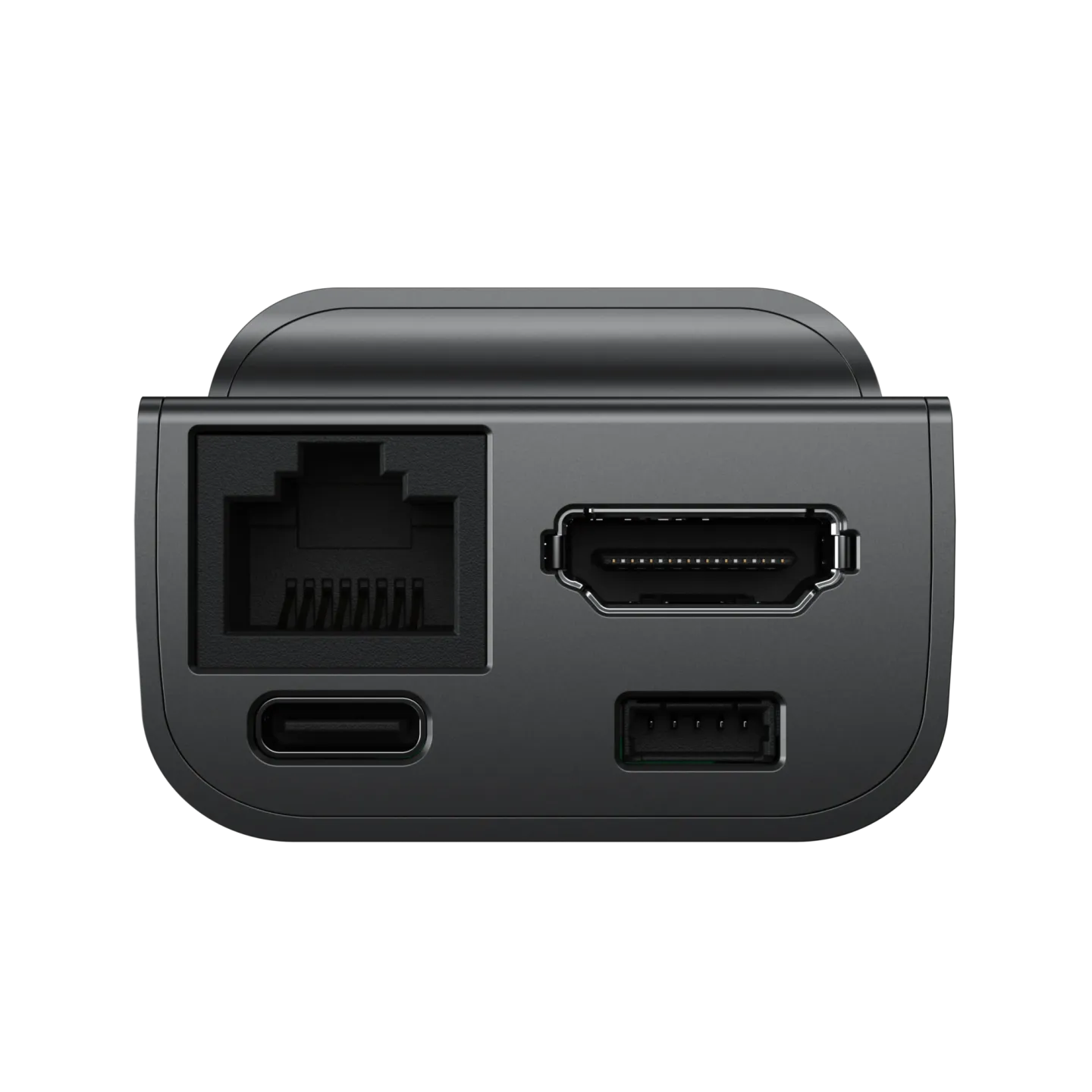
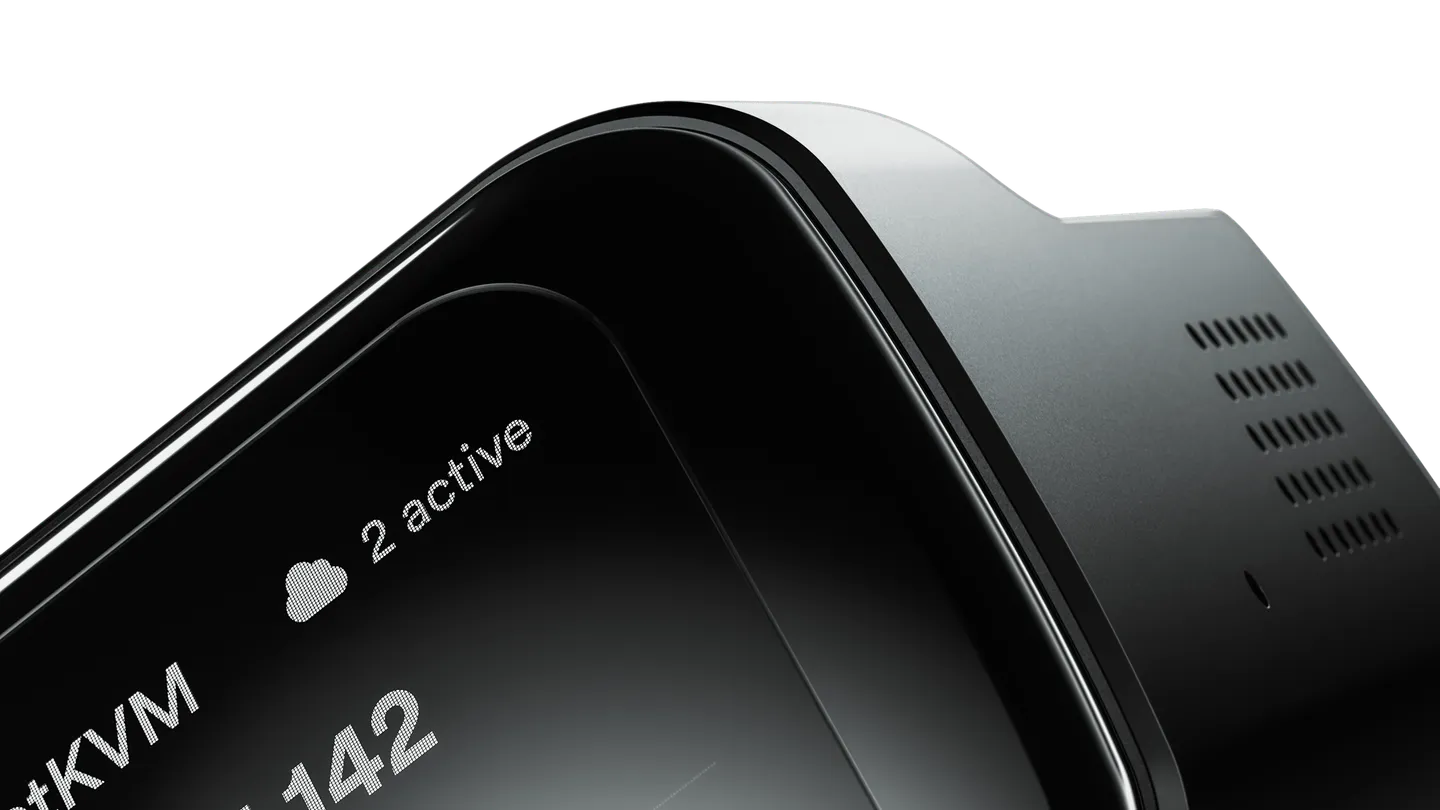
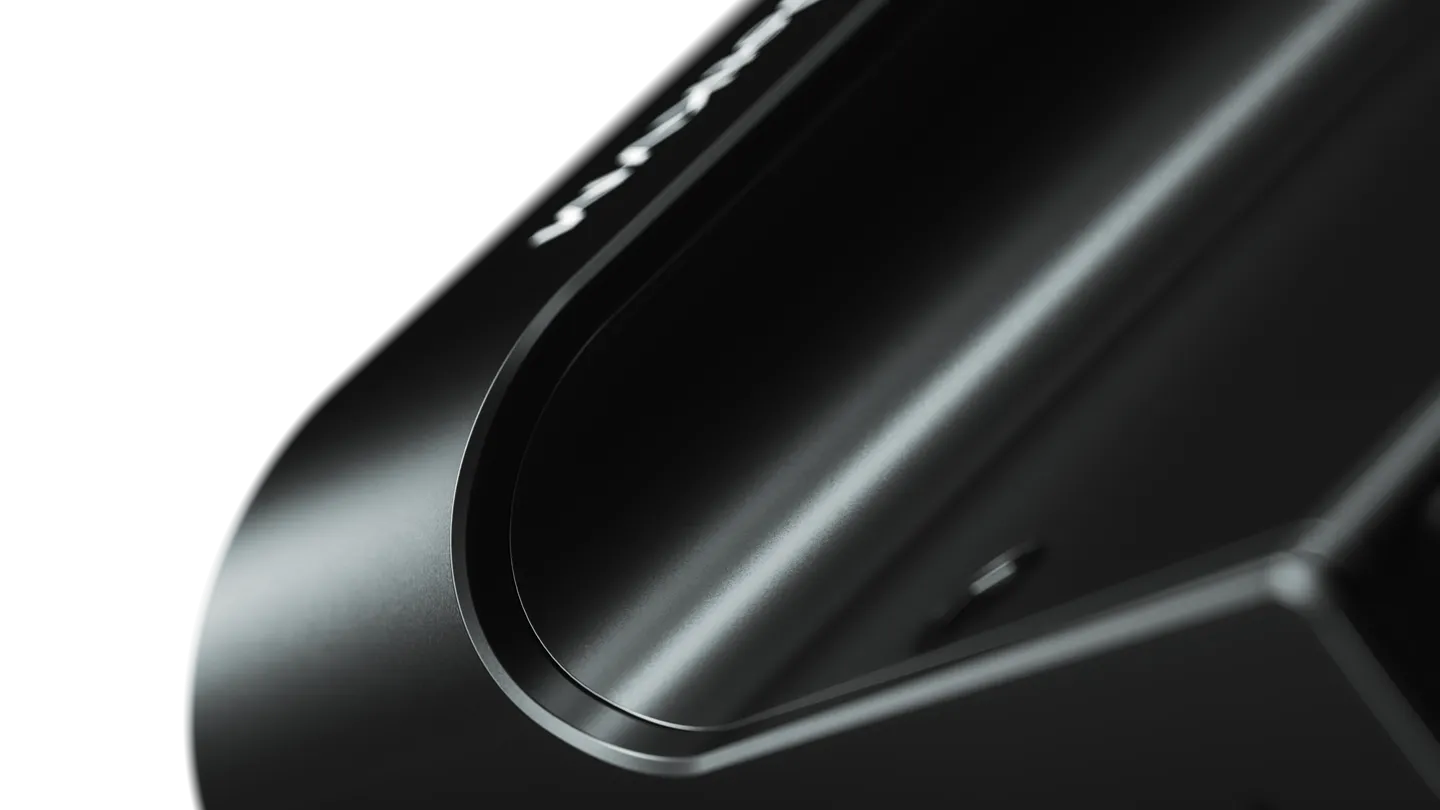
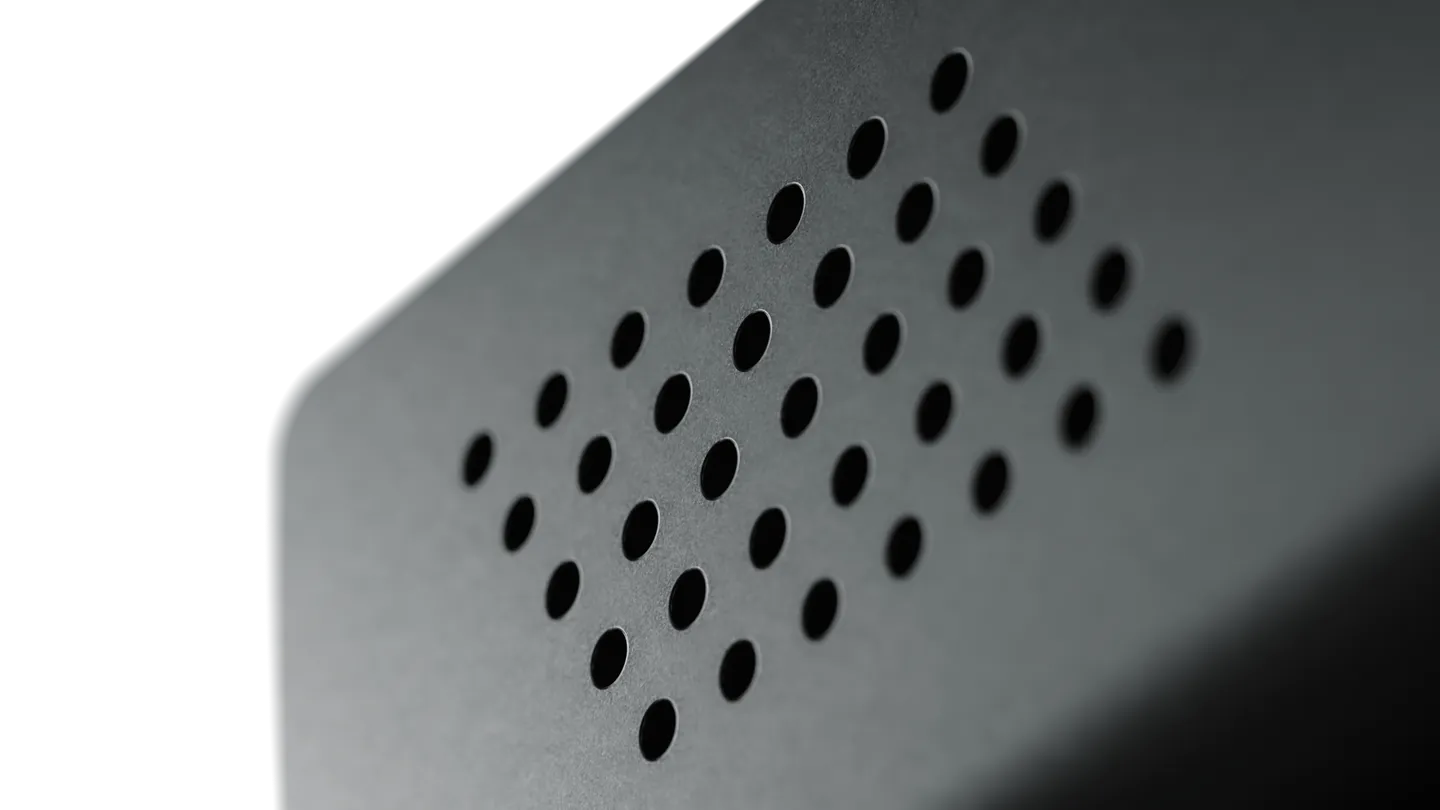
The case of JetKVM is die-cast zinc, trimmed by CNC and plated with copper under its finish. Zinc is nearly three times denser than aluminum, so JetKVM stays in place with all four ports connected.
No standby USB power? Take JetKVM PoE
Both models are the same device. JetKVM PoE also takes power over Ethernet.
Powered by the target computer
Most computers keep their USB ports on when they are off, so JetKVM stays on too.
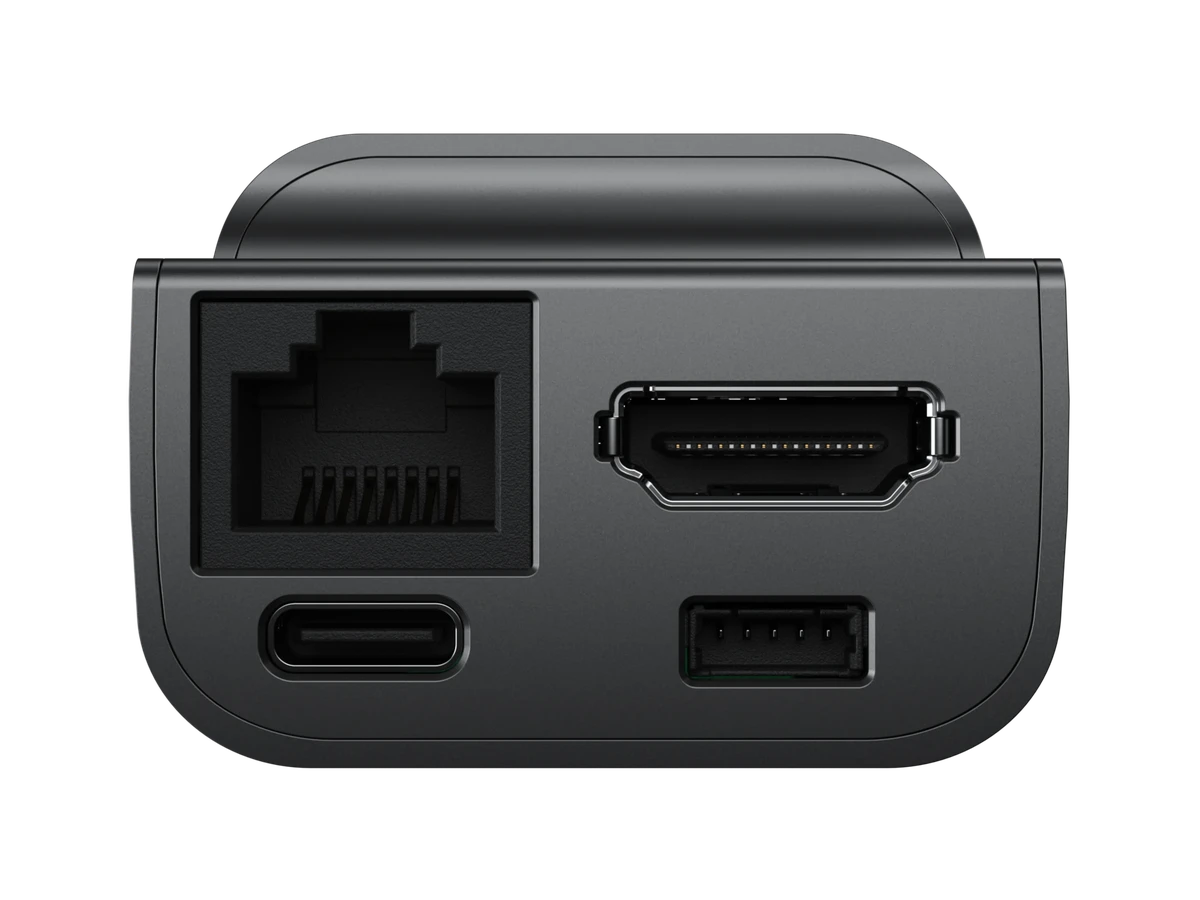
Powered by the network
If your computer turns its USB ports off, JetKVM PoE takes its power from the Ethernet cable.
Press the power button, from your browser
JetKVM has a port for extensions. Each one adds power control to the web interface.
Start a PC that is off
The ATX Extension connects to the motherboard. It presses power and reset, and reads the power and disk lights.
ATX Extension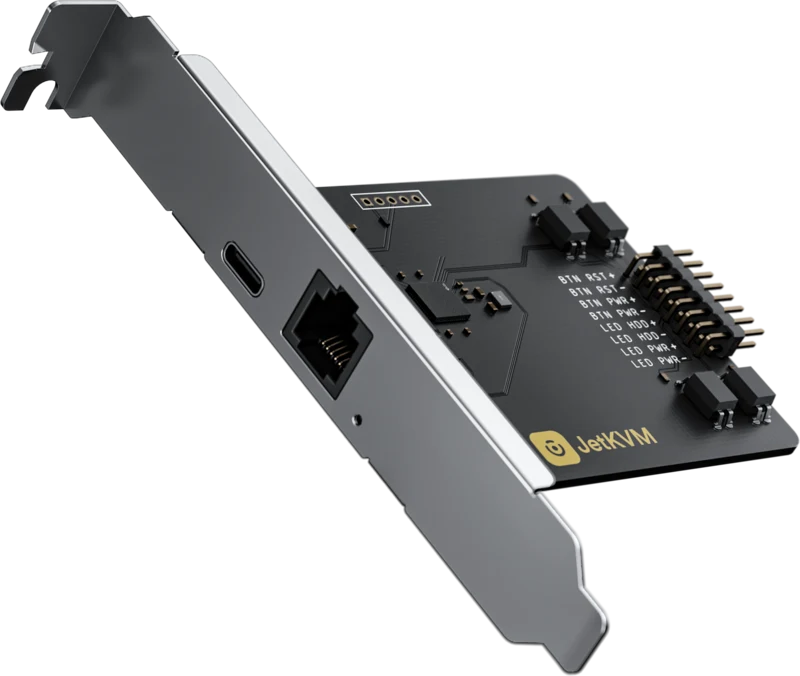
Power-cycle a device that hangs
DC Power Control goes between a device and its DC supply. It switches the power, and measures voltage, current and power.
DC Power Control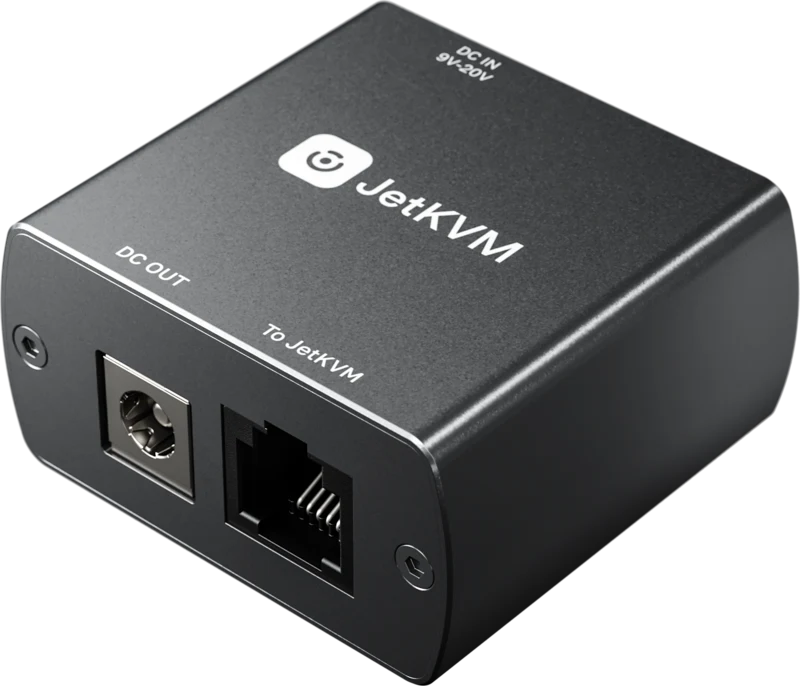
The entire  JetKVM interface, on the device
Keyboard and mouse, text paste, virtual media, JetKVM Cloud, Tailscale and Home Assistant, with updates over the air.
JetKVM Web InterfaceSee and control it
KVM stands for keyboard, video and mouse. You see its screen and type and click as if you sat in front of it.
Fix it without being there
Mount an ISO and pick it as the boot device. To the computer, JetKVM is just a USB drive and a keyboard.
Up to 4K with OS Services
Coming soon to JetKVM: a service on the target computer adds 4K video, a shared clipboard, a terminal and file transfer.
OS ServicesA device in Home Assistant
Press a power button or mount an image from your automations, over MQTT.
Set it upControl it from any browser, from anywhere
The interface is on the device. Reach the device, and you have the interface.
Works in every modern browser




On your network
Type the address that JetKVM shows on its display. There is no account, and no internet is needed.
Over the internet
Sign in to JetKVM Cloud. Your browser and JetKVM then talk directly over WebRTC.
JetKVM CloudOn your tailnet
With Tailscale on the device, JetKVM is a machine on your tailnet with a name of its own.
Set it upAll of it, open source on GitHub
The firmware, the web interface and the cloud are public. Read them, change them, or run your own.
View on GitHubRead the code
The firmware of both devices and the cloud, each in its own repository.
Self-host the cloud
Point JetKVM at a cloud on your own server before you adopt it.
Host your own cloud