
JetKVM Web Interface
The entire computer, in your browser
Every JetKVM serves it. Open the address of the device, and the screen, keyboard and mouse of the target computer are there.
 JetKVMhomelabConnectedUSBConnected
See and control it
KVM stands for keyboard, video and mouse. You see its screen and type and click as if you sat in front of it.
Keyboard and mouseFix it without being there
Mount an ISO and pick it as the boot device. To the computer, JetKVM is just a USB drive and a keyboard.
Virtual mediaUp to 4K with OS Services
A service on the target computer adds 4K video, a shared clipboard, a terminal and file transfer.
OS ServicesPower on and off
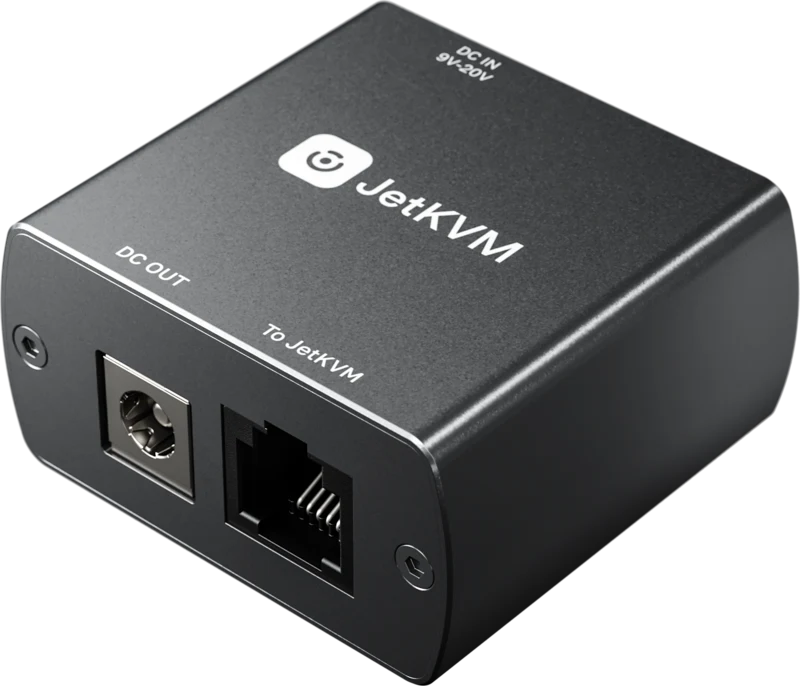
With an extension connected, the interface has the power button of the target computer.
Extensions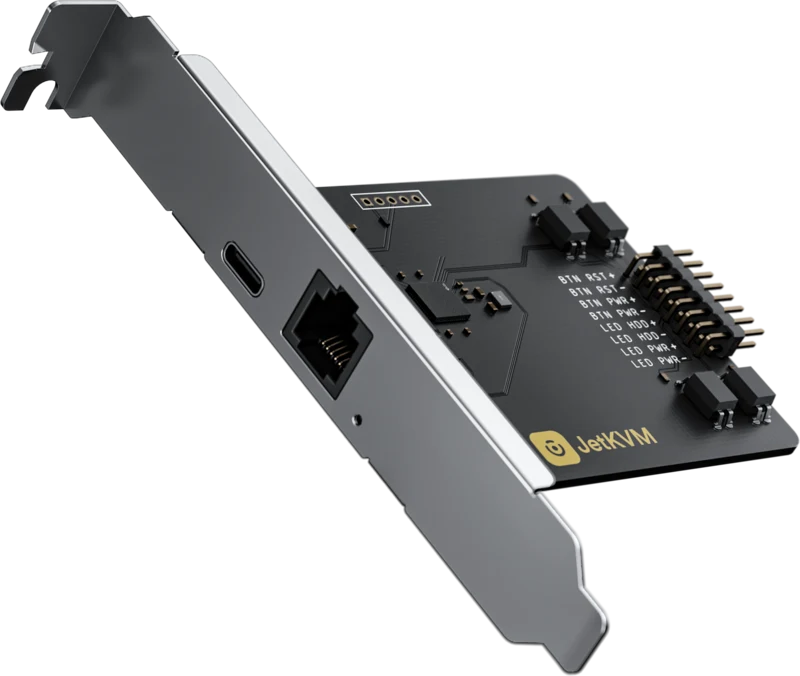
Control it from any browser, from anywhere
The interface is on the device. Reach the device, and you have the interface.
Works in every modern browser



On your network
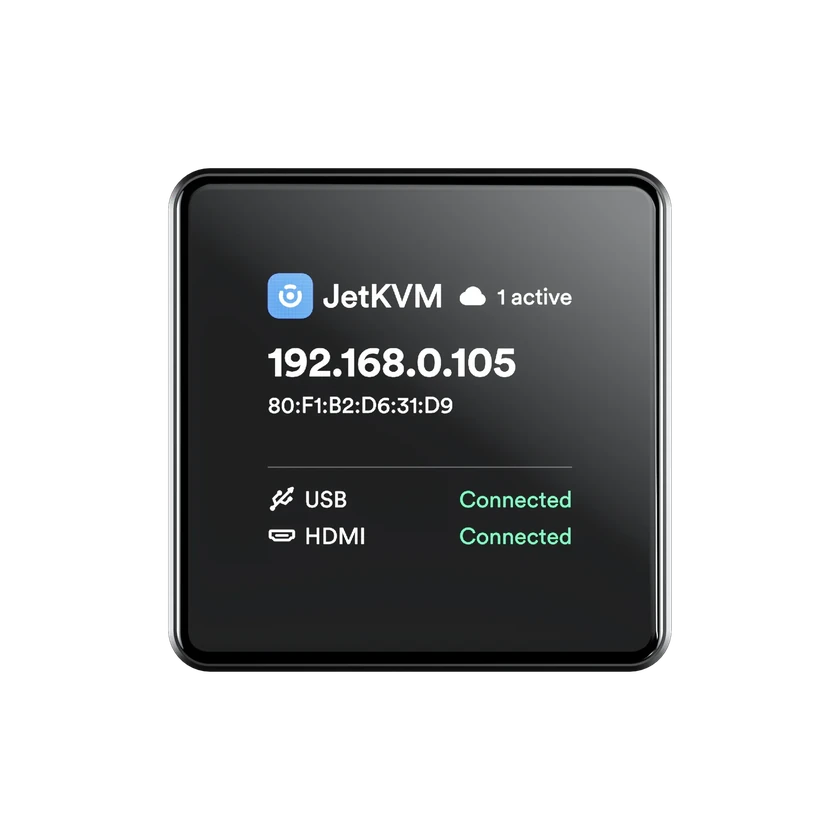
Type the address that JetKVM shows on its display. There is no account, and no internet is needed.
Over the internet
Sign in to JetKVM Cloud. Your browser and JetKVM then talk directly over WebRTC.
JetKVM CloudOn your tailnet
With Tailscale on the device, JetKVM is a machine on your tailnet with a name of its own.
Set it upBeyond screen and keyboard
Tools that a monitor and a keyboard on site do not give you.
Wake on LAN
Start a computer on the network of JetKVM with one click.
Your language, your keyboard
The interface comes in 15 languages, and types in 19 keyboard layouts.
A monitor your computer accepts
A preset fixes a black BIOS screen or a wrong resolution.
Macros
Save a shortcut once and send it with one click.
Mouse jiggler
It moves the pointer, so the target computer does not sleep or lock during a long update.
A device in Home Assistant
Press a power button or mount an image from your automations, over MQTT.
Set it upAll of it, open source on GitHub
The firmware, the web interface and the cloud are public. Read them, change them, or run your own.
View on GitHubRead the code
The firmware of both devices and the cloud, each in its own repository.
Self-host the cloud
Point JetKVM at a cloud on your own server before you adopt it.
Host your own cloudTwo ways to run it
JetKVM Mini from $33 per unit, or JetKVM with a port for extensions.
New · Ethernet or wireless
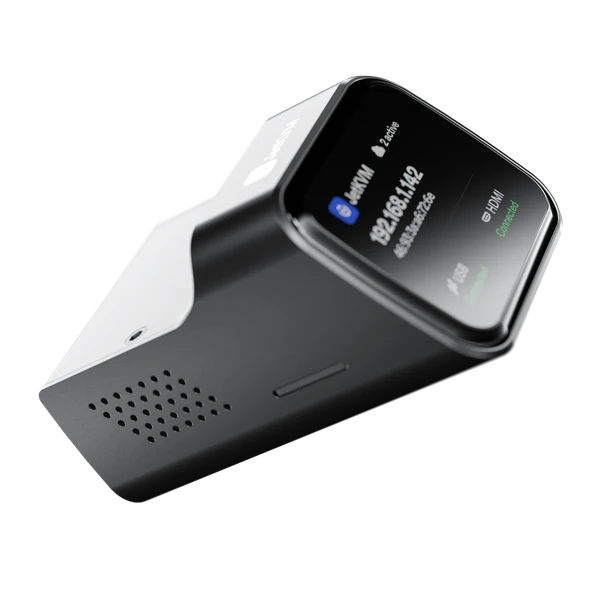
JetKVM Mini
Matchbox-sized, with a status display, open-source firmware and Tailscale built in.
Ethernet or PoE
JetKVM
Full-size HDMI, a status display, and a port for the ATX and DC extensions.