
JetKVM OS Services
Your JetKVM, with help from the computer
A small service for the target computer, the one your JetKVM is plugged into. It adds what a video cable cannot carry: 4K video, copy and paste, file transfer and a terminal.
For Windows, macOS and Linux
Video up to 4K at 60 fps
The service captures and encodes the screen on the target computer, so the picture is no longer limited by the capture hardware.
Copy and paste, both ways
Paste text into the target computer and copy text from it. The JetKVM no longer types it out key by key.
Send a file
Drop a file in the browser and it is copied to the target computer over the USB cable.
A terminal on the target computer
Open a shell on the target computer inside the JetKVM web interface. It needs no SSH server and no network on that computer.
Set up in three steps
You do all of it in the JetKVM web interface, in the session you already have open.
- Step 1
Open your JetKVM
Enter the IP address of your JetKVM in a browser, as you do to use it.
- Step 2
Install from the settings
Open Settings, then OS Services, and select Install. JetKVM guides you from there.
- Step 3
Allow the pairing
The service shows a fingerprint. Check that it matches the one in JetKVM, then select Allow.

Open source on GitHub
The code of the service is public.
View on GitHubOpen, like the rest of JetKVM
The firmware, the web interface and the cloud are open source. The service on the target computer is too.
For JetKVM Mini, and soon for JetKVM
The service is free. It works with JetKVM Mini now, and comes to JetKVM soon.
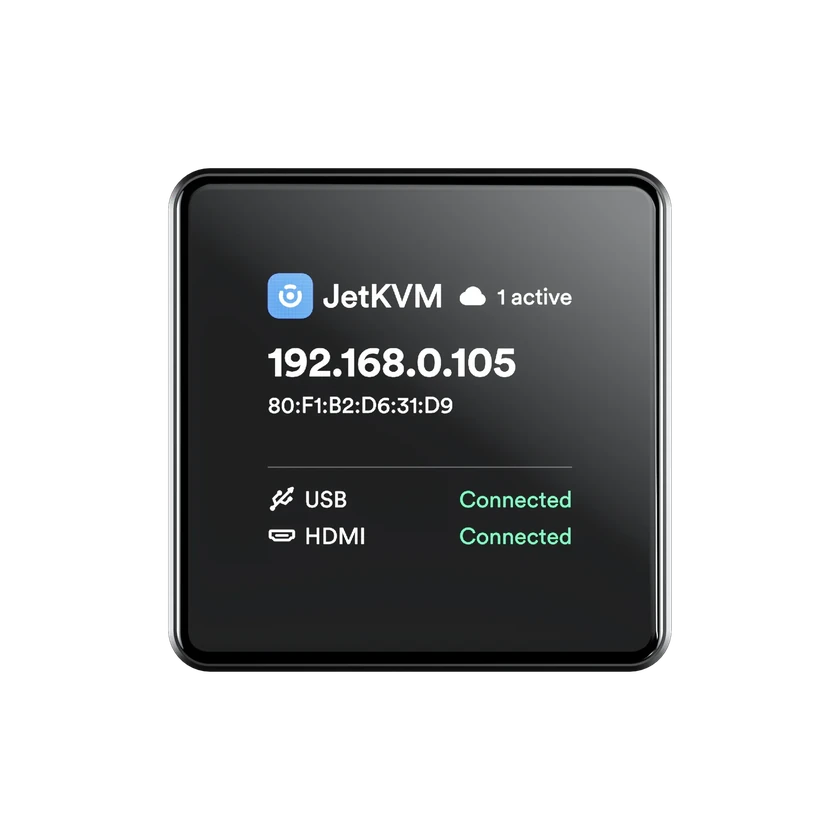
Available now
JetKVM Mini
Matchbox-sized, with a status display, open-source firmware and Tailscale built in.
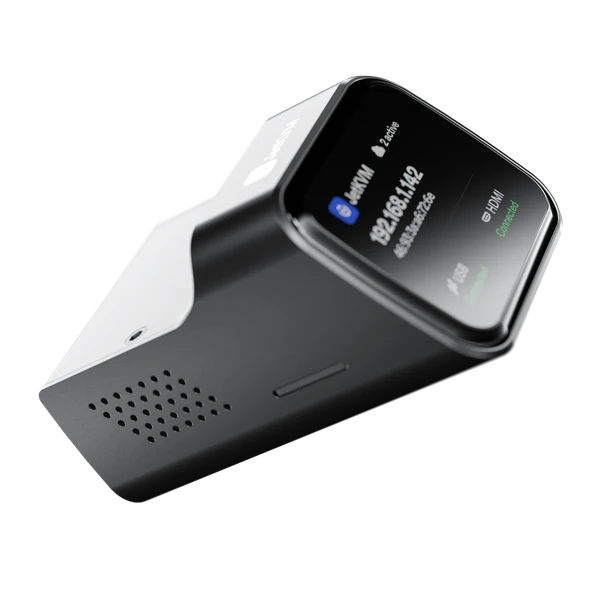
Coming soon
JetKVM
Full-size HDMI, a status display, and a port for the ATX and DC extensions.